×
- Hello
- Login or Register
- Quick Links
- Live Chat
- Track Order
- Parts Availability
- RMA
- Help Center
- Contact Us
- Shop for
- Hyundai Parts
- Hyundai Accessories


My Garage
My Account
Cart
Genuine Hyundai Sonata Brake Light Switch
Brake Lamp Switch- Select Vehicle by Model
- Select Vehicle by VIN
Select Vehicle by Model
orMake
Model
Year
Select Vehicle by VIN
For the most accurate results, select vehicle by your VIN (Vehicle Identification Number).
11 Brake Light Switches found
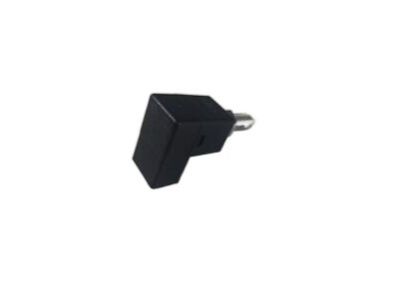
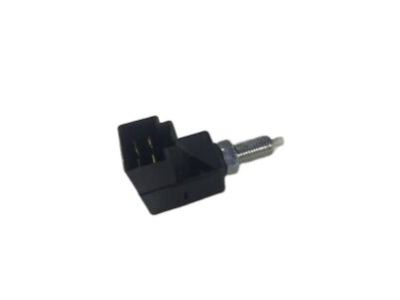
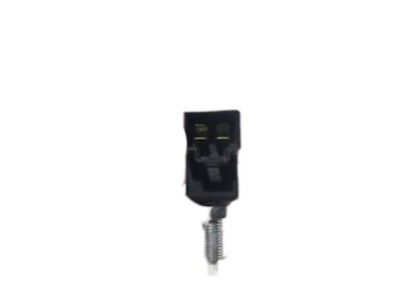
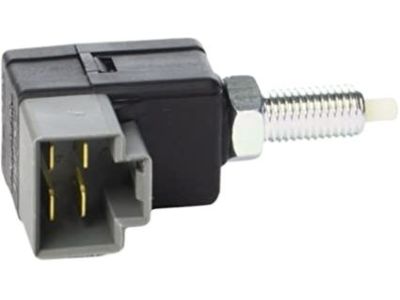
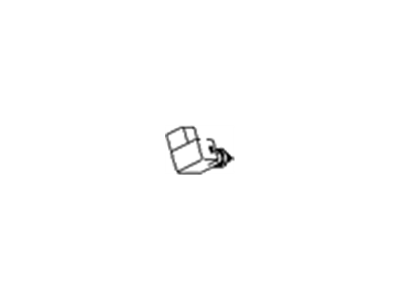

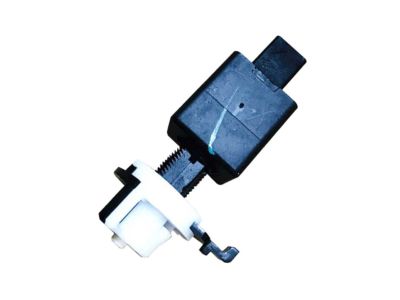
Hyundai Sonata Stop Lamp Switch Assembly
Part Number: 93810-3K000$12.42 MSRP: $16.05You Save: $3.63 (23%)Ships in 1-3 Business Days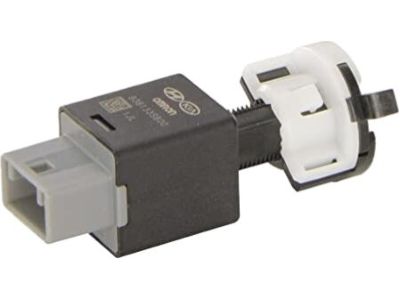
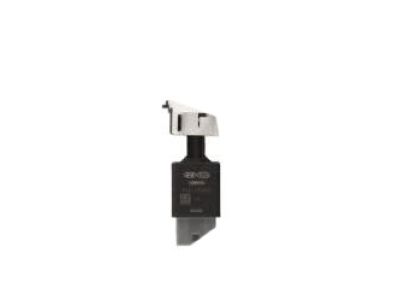
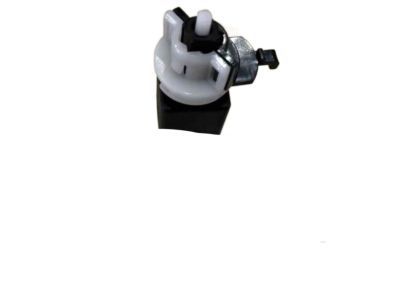

Hyundai Sonata Stop Lamp Switch Assembly
Part Number: 93810-3S700$24.80 MSRP: $34.55You Save: $9.75 (29%)Ships in 1-3 Business Days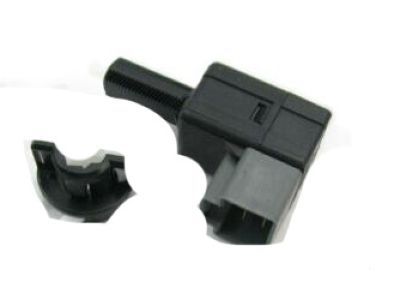
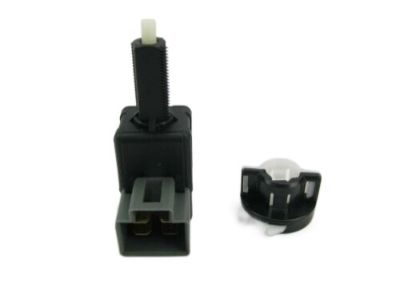
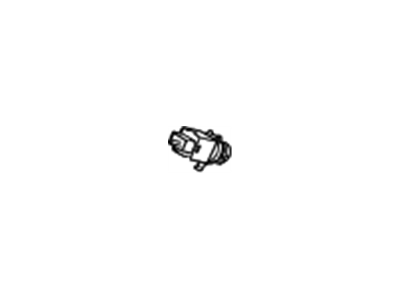

Hyundai Sonata Stop Lamp Switch Assembly
Part Number: 93810-3S000$24.80 MSRP: $34.55You Save: $9.75 (29%)Ships in 1-2 Business Days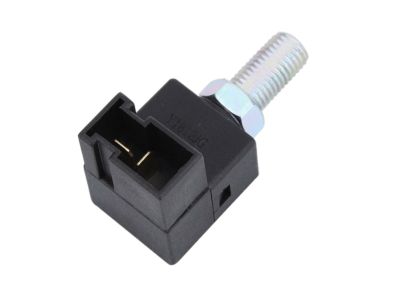
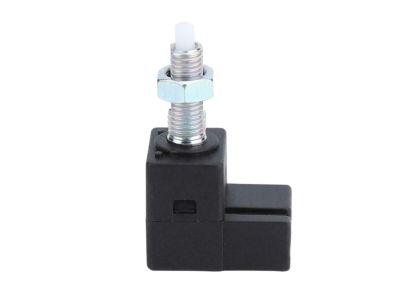
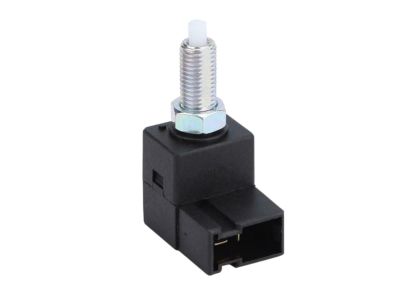
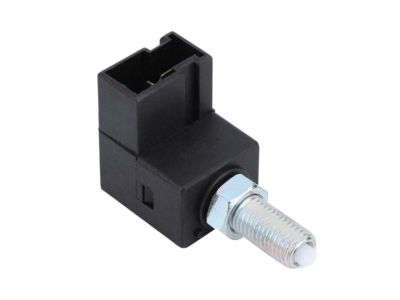
Hyundai Sonata Stop Lamp Switch Assembly
Part Number: 93810-2E000$35.98 MSRP: $50.11You Save: $14.13 (29%)Ships in 1-3 Business Days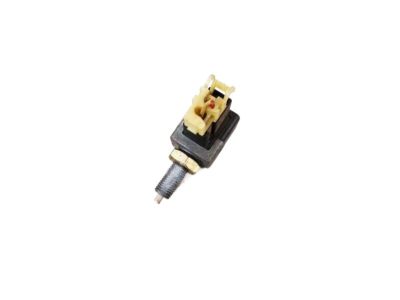
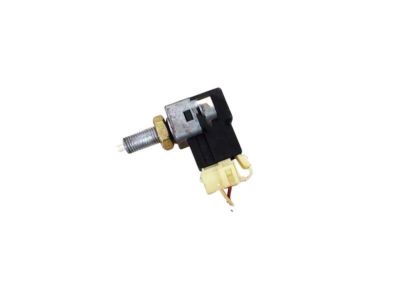
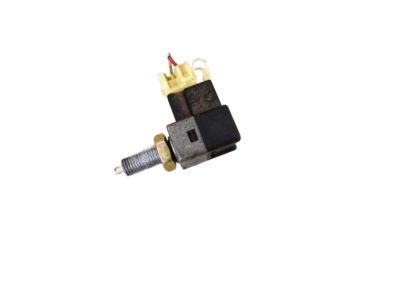
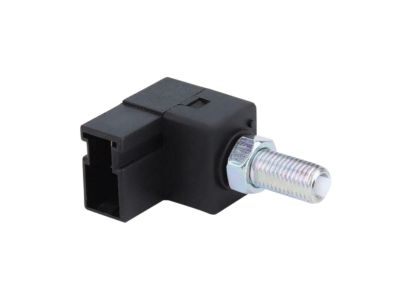

Hyundai Sonata Stop Lamp Switch Assembly
Part Number: 93810-38000$35.98 MSRP: $50.11You Save: $14.13 (29%)Ships in 1-2 Business Days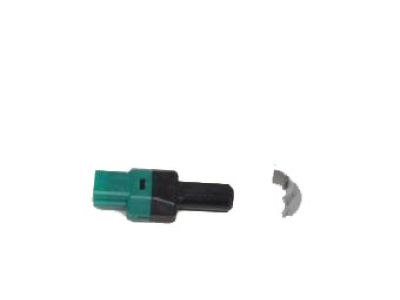
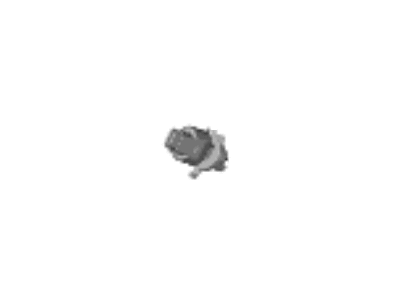

Hyundai Sonata Stop Lamp Switch Assembly
Part Number: 93810-G8100$90.77 MSRP: $127.53You Save: $36.76 (29%)Ships in 1-3 Business Days

Hyundai Sonata Stop Lamp Switch Assembly
Part Number: 93810-21001$43.18 MSRP: $60.15You Save: $16.97 (29%)Ships in 1-3 Business Days

Hyundai Sonata Stop Lamp Switch Assembly
Part Number: 93810-32001$5.67 MSRP: $7.32You Save: $1.65 (23%)Ships in 1-3 Business Days
Hyundai Sonata Stop Lamp Switch Assembly
Part Number: 93810-32000$5.67 MSRP: $7.32You Save: $1.65 (23%)Ships in 1-3 Business Days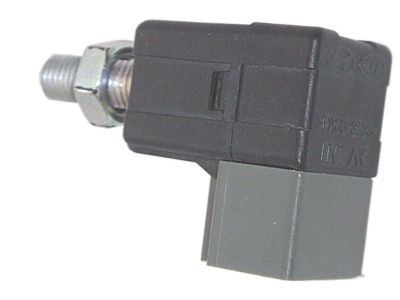
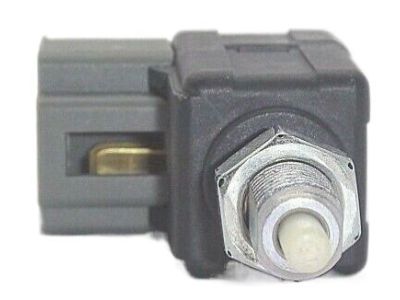
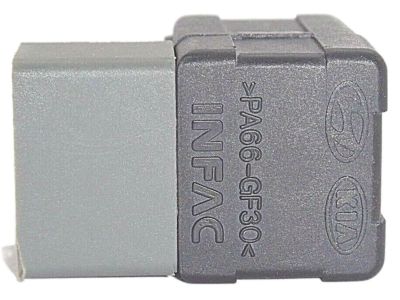
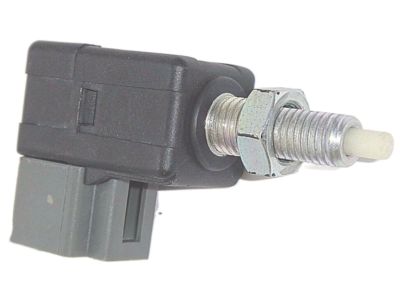
Hyundai Sonata Stop Lamp Switch Assembly
Part Number: 93810-38110$5.67 MSRP: $7.32You Save: $1.65 (23%)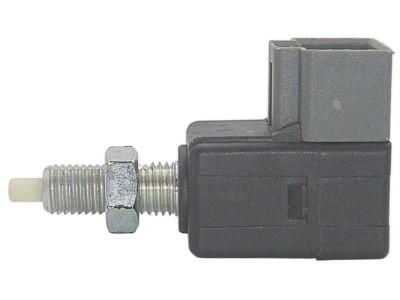
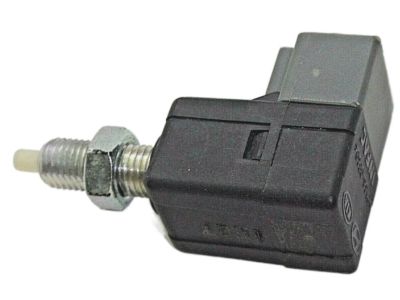
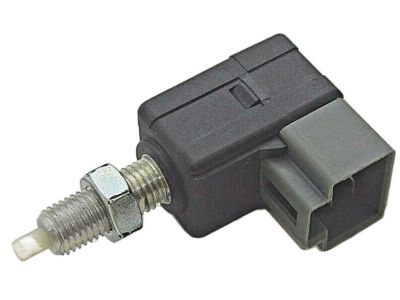
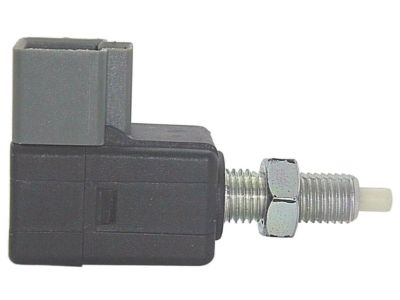
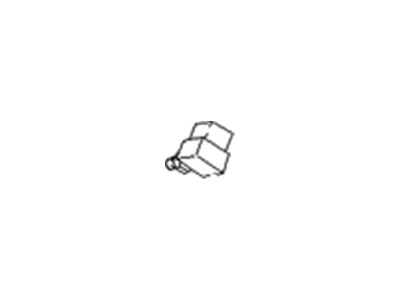
Hyundai Sonata Stop Lamp Switch Assembly
Part Number: 93810-38100$5.67 MSRP: $7.32You Save: $1.65 (23%)
Hyundai Sonata Brake Light Switch
Brake Light Switch is a very important part that crucially holds the safety aspect as well as efficiency of Hyundai Sonata models. This switch illuminates the brake light when the brake pedal is pressed to give signals to other drivers behind the Hyundai Sonata; thus, improving on road safety. It is an essential part of Hyundai vehicles and remains as a standard feature across the generations of this midsize sedan car, such as the Brake Light Switch that guarantees the car's safety for the driver and passengers. The linkage between the brake pedal and Brake Light Switch ensures that there is a direct and immediate action/response to any braking or slowing down by the Hyundai Sonata, hence informing other motorists behind that the vehicle is slowing down or has stopped. This feature, apart from improving the general driving experience, also goes a long way into making the Sonata a dependable car. Furthermore, this Brake Light Switch also comes with a long life expectancy for daily uses, thus having the competition in the automotive industry. This makes it rather important because it affirms that Sonata drivers will always have to benefit from improved performance associated with another model of Sonata without having to switch goods. All in all, Brake Light Switch shows that Hyundai holds safety, effectiveness, and dependability as top priorities in today's automobiles, thus classifying the switch as an essential component of the car's mechanical intricacy.
If you are looking for affordable high-quality OEM Hyundai Sonata Brake Light Switch, then you have come to the prime place. Our website provides a large amount of genuine Hyundai Sonata Brake Light Switch at unbeatable prices. All our parts come backed with the manufacturer's warranty.
Hyundai Sonata Brake Light Switch Parts Questions & Experts Answers
- Q:How to remove and insatall the brake light switch on Hyundai Sonata?Posted by Joey J.A:The brake light switch is located on a bracket at the top of the Brake Pedal. For 2010 and earlier models, loosen the locknut and unscrew the switch from its bracket, then disconnect the wiring harness. For 2011 and later models, remove the lower panel from under the driver's side of the dash, disconnect the electrical connector to the brake light switch, pull the locking plate tab outwards, rotate the switch 1/4-turn (45-degrees), and pull the switch out of the bracket. Hold the brake pedal arm firmly, insert the brake switch into the bracket until seated, rotate the switch 1/4-turn (45-degrees), push the locking plate into place, and connect the electrical connector. Installation is the reverse of removal. To adjust, check and, if necessary, adjust brake pedal height. For 2010 and earlier models, loosen the switch locknut, adjust the switch for freeplay, and ensure the brake lights function properly when the pedal is depressed and released. For 2011 and later models, check the gap between the tip of the switch and the bracket using a feeler gauge, and if incorrect, remove and reinstall the switch until the clearance is correct.Answered by Hyundai Parts Specialist Conor / Apr 24, 2023
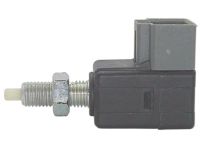
Related Hyundai Sonata Parts
 Hyundai Sonata Oil Pressure Switch
 Hyundai Sonata Door Jamb Switch
 Hyundai Sonata Headlight Switch
 Hyundai Sonata Neutral Safety Switch
 Hyundai Sonata Power Window Switch
 Hyundai Sonata Wiper Switch
 Hyundai Sonata Turn Signal Switch
 Hyundai Sonata Power Steering Pressure Switch
 Hyundai Sonata Dimmer Switch
 Hyundai Sonata Mirror Switch
 Hyundai Sonata Back Up Light Switch
 Hyundai Sonata Seat Heater Switch
Browse by Year
2026 Brake Light Switch 2025 Brake Light Switch 2024 Brake Light Switch 2023 Brake Light Switch 2022 Brake Light Switch 2021 Brake Light Switch 2020 Brake Light Switch 2019 Brake Light Switch 2018 Brake Light Switch 2017 Brake Light Switch 2016 Brake Light Switch 2015 Brake Light Switch 2014 Brake Light Switch 2013 Brake Light Switch 2012 Brake Light Switch 2011 Brake Light Switch 2010 Brake Light Switch 2009 Brake Light Switch 2008 Brake Light Switch 2007 Brake Light Switch 2006 Brake Light Switch 2005 Brake Light Switch 2004 Brake Light Switch 2003 Brake Light Switch 2002 Brake Light Switch 2001 Brake Light Switch 2000 Brake Light Switch 1999 Brake Light Switch 1998 Brake Light Switch 1997 Brake Light Switch 1996 Brake Light Switch 1995 Brake Light Switch 1994 Brake Light Switch 1993 Brake Light Switch 1992 Brake Light Switch 1991 Brake Light Switch 1990 Brake Light Switch 1989 Brake Light Switch 1988 Brake Light Switch